

 By Anna
A lawn care to snow removal checklist helps grounds contractors make the seasonal fleet handoff visible: which machines are leaving mowing work, which snow units have proposed assignments, what remains unverified, and who is responsible for each decision. Start with a status register containing one row per asset, rather than treating every machine as ready simply because it appears on a fleet list.
This guide covers administrative fleet transition records for mowing equipment, snow removal equipment, and tracked or multi-function platforms. It is not an engine-service, fuel-handling, hydraulic, battery-storage, inspection, operator-training, or snow-operation procedure. Use the exact manufacturer’s documentation and your organization’s qualified reviewers for those decisions.
Why Use a Fleet Handoff Register Instead of a Maintenance Checklist?
A maintenance checklist documents service work and technical findings. A fleet handoff register records the unit’s current role, proposed next assignment, supporting document, decision owner, outstanding action, and administrative sign-off. The two records serve different purposes and should reference one another when relevant.
That distinction matters when a contractor operates mowing and snow services with partly separate equipment pools. The Snow & Ice Management Association’s equipment lifecycle guidance discusses the added planning considerations for businesses that also work in the green industry. The register below is an editorial handoff template, not a SIMA-issued form or a substitute for a service or safety record.
Separate Mowing, Snow Removal, and Tracked Equipment Without Double-Counting

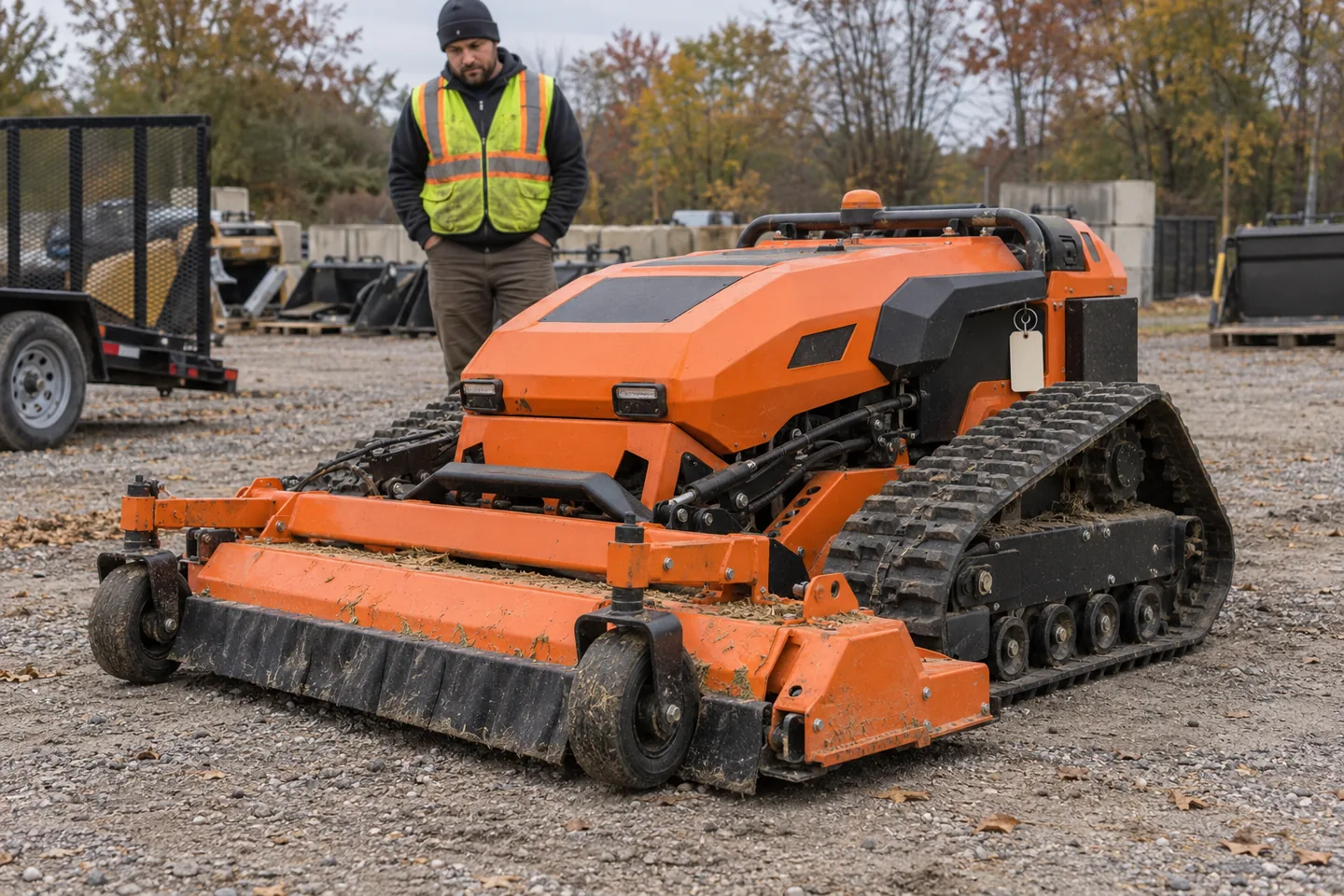
Make two entries for each asset’s classification: working system or primary equipment category and chassis or platform type. A tracked mower remains a mower for fleet-capacity accounting; its tracks are a separate characteristic. A dedicated tracked carrier or multi-function base may need its own category when its approved working system has not been established.
- Mowing equipment: record whether lawn-care work is complete, continuing, or reassigned. Do not assume a mower can be assigned to snow removal.
- Snow removal equipment: record the proposed site or route, reserve role, and any pending documents or authorizations. A route proposal does not prove the unit is operationally cleared.
- Tracked or multi-function platforms: flag the chassis and separately verify the exact installed working system, attachments, supported tasks, and relevant records. Do not infer that one attachment or season’s role is interchangeable with another.
For a model-specific category review, compare the current remote lawn mower range, snow blower range, and multi-function tracked equipment separately. Product-category pages support a shortlist; they do not establish cross-season compatibility or approval for an individual machine.
Fields for a Lawn Care to Snow Removal Fleet Handoff Register
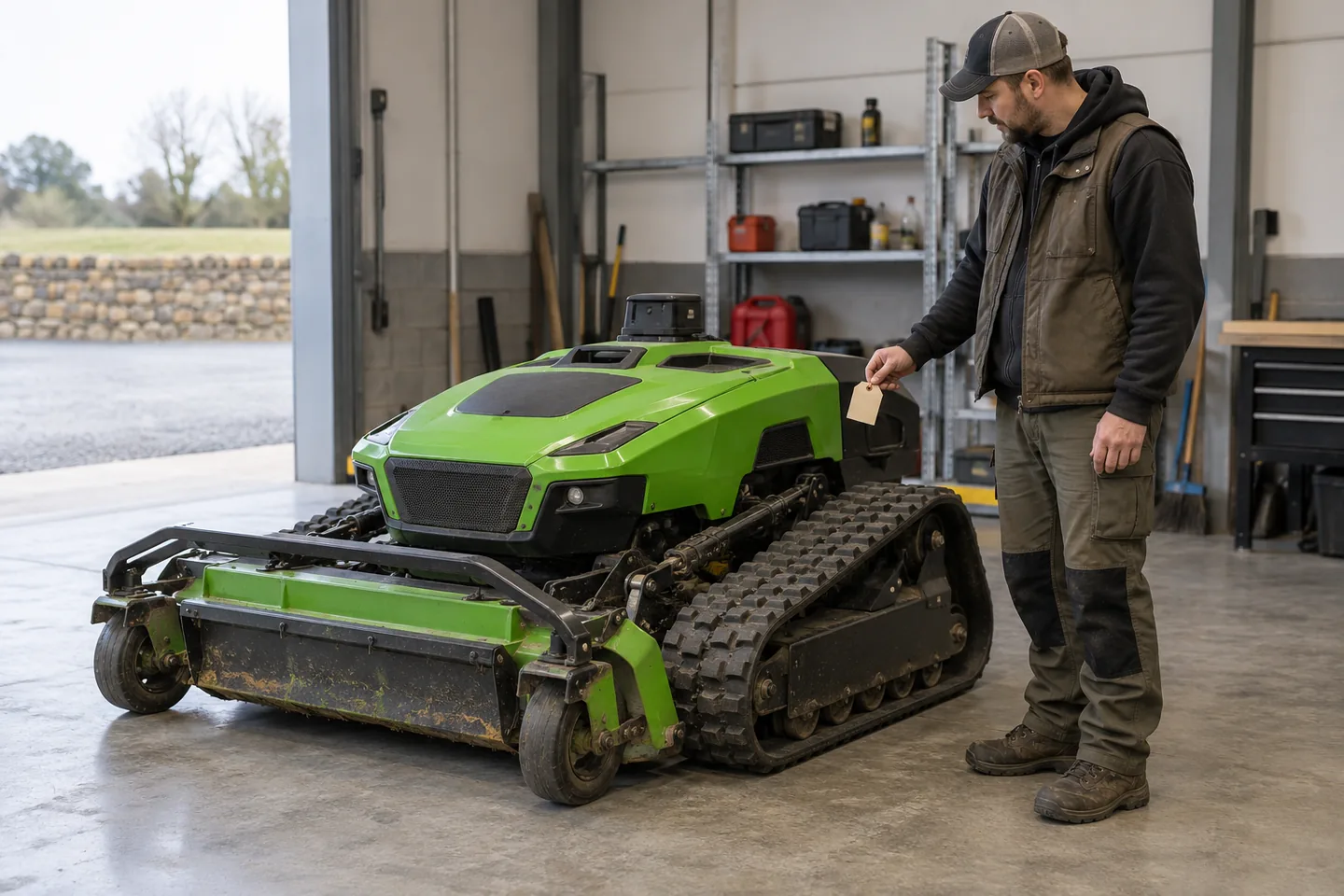
Give every physical asset one primary row. Record the identifier from a fleet tag, purchase file, or applicable equipment document. The minimum fields below keep ownership and evidence traceable while leaving mechanical and operating details in their proper records.
| Field | What to record | Purpose |
|---|---|---|
| Asset ID | Unique fleet number, serial reference, or asset tag | Prevents duplicate counting and links back to the exact unit |
| Equipment category | Mower, dedicated snow unit, or confirmed multi-function/other equipment | Identifies the working-system category without guessing its winter role |
| Chassis / platform | Wheeled, tracked, or another documented configuration | Separates mobility design from the equipment’s working function |
| Seasonal assignment | Mowing, proposed snow route, reserve, storage, or unassigned | Shows committed versus available administrative capacity |
| Current status and open action | Not reviewed, hold for verification, proposed assignment, or handoff recorded; name the next action | Prevents an outstanding issue from disappearing behind a completed date |
| Action owner and due date | Named person or accountable role, with a follow-up date | Gives every unresolved item a clear next step |
| Evidence and verification date | Manual, work order, route record, training record, or reviewer reference; date checked | Shows what supports the entry and whether it is still current |
| Handoff decision and sign-off | Decision scope, approving person, and date; pending conditions remain listed | Separates administrative closeout from authorization to operate |
Use the same status terms across all assets. For example, Not reviewed means no current evidence has been recorded; Hold for verification means a specific document or review is missing; Assignment proposed means a route or role is being considered; and Handoff recorded means the administrative decision has been logged. None of these labels alone certifies a machine as safe or authorized for use.
Example: Three Rows in a Seasonal Status Register
The entries below are fictional examples of record wording, not a report on actual machines or approved assignments.
| Asset | Equipment / chassis | Seasonal role | Status | Next action | Owner / due date |
|---|---|---|---|---|---|
| M-014 | Mower / tracked | Mowing account closeout | Hold for verification | Link the current work-order review | Fleet lead / YYYY-MM-DD |
| S-008 | Snow blower / tracked | Proposed winter route | Assignment proposed | Confirm the route and required reviews | Operations lead / YYYY-MM-DD |
| P-003 | Multi-function base / tracked | No winter assignment | Not reviewed | Verify the installed work system and permitted task | Technical lead / YYYY-MM-DD |
Application review
Discuss your mowing application.
Share the working condition, target market, product family and project scope.
Store the actual model and asset documents alongside the live register. If the same physical unit appears in a second planning worksheet, cross-reference its asset ID instead of adding it to the fleet total twice.
Complete the Seasonal Fleet Handoff in Three Steps

Step 1: Confirm the Unit and Proposed Seasonal Role
Match each asset ID to the physical machine and its current records. Identify its working system and chassis separately, then record whether it is closing out lawn care, staying on reserve, entering snow-route planning, or awaiting assignment. Mark unverified classifications as pending instead of guessing from the machine’s appearance.
Step 2: Give Every Open Item an Owner, Source, and Due Date
Assign one accountable owner for each next action: collecting a work order, confirming a route, requesting a manufacturer document, or obtaining the appropriate review. Record the source and verification date beside the action. If another team must provide the technical or operational determination, identify that team rather than writing its conclusion on its behalf.
Step 3: Record the Handoff Decision Without Hiding Open Conditions
At the review meeting, log who approved the administrative assignment, when it was recorded, and what the decision covers. A completed register review is not the same as completed maintenance, operator qualification, route approval, or site-specific authorization.
If an issue remains unresolved, keep it open with its owner and due date. A sign-off date should not turn a pending unit into a ready-to-operate unit by default. Update the record when the responsible reviewer supplies the missing decision or evidence.
Mower, Snow Unit, or Tracked Platform: What Must Be Verified?

Use this comparison to route questions to the right record. A tracked chassis can occur in more than one equipment category, so these are review cases rather than three mutually exclusive machine types.
| Review question | Mowing equipment | Snow removal equipment | Tracked or multi-function platform |
|---|---|---|---|
| What seasonal role is recorded? | Mowing closeout, continuation, or reserve | Proposed route, assigned route, or reserve | Documented task or unassigned pending task review |
| What record should be linked? | Current fleet asset and work-order documents | Asset file, route plan, and applicable review records | Exact platform, working-system, and attachment documents |
| What must not be assumed? | Automatic suitability for snow work | Suitability for mowing or unrelated tasks | Attachment compatibility or permission to use another task’s configuration |
Questions to Answer Before Winter Route Assignments or Equipment Quotes

- Does each physical asset appear once, with an identifiable equipment category and chassis?
- Which mowing units remain committed to active contracts, and which are merely awaiting closeout?
- Which snow removal units have a proposed route, an authorized assignment, or a reserve designation?
- Which asset records still need an inspection reference, document check, task review, or administrative approval?
- Who owns each outstanding action, and when will the status be reviewed again?
- Do tracked or multi-function equipment entries identify the exact working system and scope of any proposed task?
- If new equipment is being considered, what site conditions, target market, quantity, and documentation requirements should accompany the inquiry?
Important boundary: This register does not replace the manufacturer’s instructions, equipment maintenance programs, worker training, or site-specific operating controls. The OSHA winter-weather hazard guidance addresses separate worker, driving, and equipment risks. Determine which rules apply to your jurisdiction and work rather than treating an administrative sign-off as a safety approval.
Use the completed lawn care to snow removal checklist to identify what the fleet actually needs before comparing additional equipment. If your review reveals a potential purchase gap, send the Super Mowers equipment enquiry team the intended work, site conditions, equipment category, target market, estimated quantity, and documents you need checked. Any proposed model or configuration remains subject to its own technical and commercial review.
The useful outcome is a traceable handoff: each asset has one identity, a clearly stated seasonal role, accountable open actions, and a dated administrative decision. Keep unresolved items open until the appropriate reviewer closes them; never use the register alone as permission to operate.