

 By Anna
You check the reservoir on a mower at the end of a shift and the oil looks cloudy, milky, or full of foam. Before anyone tops it up, drains it, or books a repair, the useful step is a dated record of what you saw and the conditions around it.
Hydraulic oil milky water contamination air bubbles concerns are a symptom, not a diagnosis. Water ingress and entrained air can both change how oil looks, and appearance alone cannot separate them. Record the machine, the exact appearance, the timing, and the operating context, then hand that record to a qualified service provider for testing and inspection.
This guide is for contractor fleet maintenance supervisors who run hydraulic equipment and need a consistent way to log an oil appearance concern. It does not tell you to open a pressurised system, take a sample yourself, or restart a machine. It sets out what to write down so the next person has evidence instead of a description that has lost its detail.
Hydraulic oil milky water contamination air bubbles: Identify the actual machine and hydraulic documentation

Start with the machine, not the oil. A fleet record is only useful to a service provider if it points to one unit, one hydraulic configuration, and one document set. Two mowers that look identical on the yard can carry different reservoirs, different filtration, different oil grades, and different check procedures.
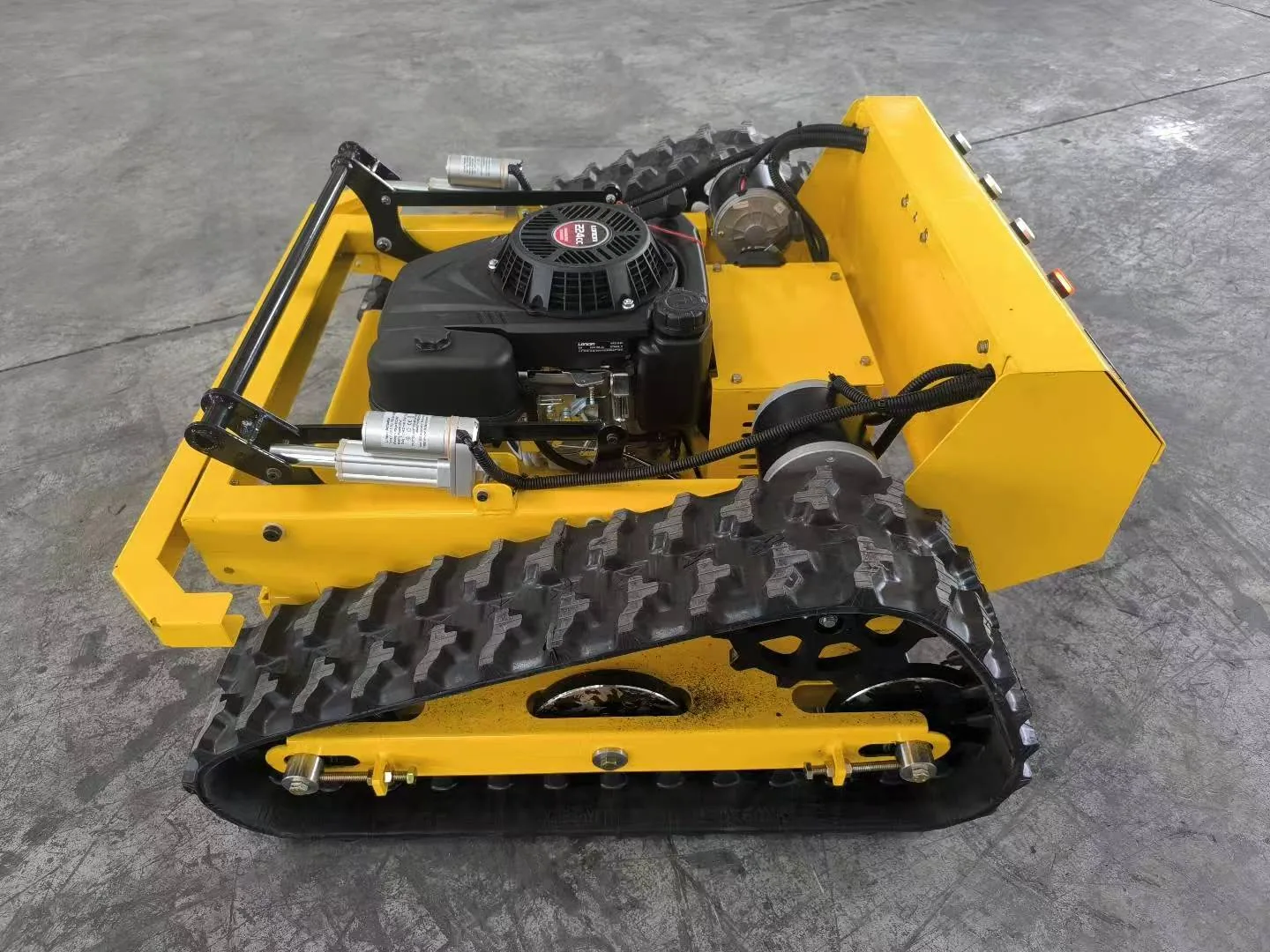
Record the make, model, and unit or fleet number exactly as marked on the machine. Add the serial or PIN if it is legible, the hour meter reading, and the date and time of the observation. If the machine has a remote-control configuration, note the control arrangement as part of the unit description rather than treating it as a separate machine type. Super Mowers lists remote-controlled equipment among its product lines, for example the Remote 50 gasoline mower, but the model page is not a substitute for that unit's own manual.
Next, attach the documentation you actually hold. The relevant items are usually:
- the operator's manual for this model and revision;
- the hydraulic schematic or circuit diagram, if supplied;
- the specified hydraulic oil grade and any approved alternatives listed by the manufacturer;
- the service schedule covering hydraulic filters and oil changes;
- the last known hydraulic service record, including what oil was added and when;
- any prior oil-appearance or leak reports for this unit.
Mark clearly which documents you have and which you do not. A service provider can work with a gap that is declared; a gap that is silently filled with an assumption is harder to unwind. If the manual on file is for a different revision, say so rather than presenting it as current.
The table below is a starting checklist for the machine-identification part of the record. It contains no product specifications because none were supplied for this article; the right-hand column is for your own confirmed values.
| Record field | What to enter | Source to confirm |
|---|---|---|
| Machine identity | Make, model, unit/fleet number, serial or PIN | Machine plate, fleet register |
| Configuration | Control arrangement, attachments fitted, any recent changes | Unit records, manual |
| Hours and date | Hour meter reading, date and time of observation | Machine display, shift log |
| Oil specification | Grade and type specified for this unit | Model-specific manual |
| Document status | Manual revision held; schematic held or missing | Document register |
| Service history | Last hydraulic oil and filter service, products used | Workshop records |
| Prior reports | Earlier appearance, leak, or noise concerns on this unit | Fleet history file |
Record appearance, timing and operating context

Describe what you saw in plain, specific terms and resist the urge to name a cause. "Milky" and "bubbly" are different observations, and a service provider will read them differently. Write both if you saw both, and say where on the machine you saw them: a sight glass, a dipstick, a reservoir filler neck, a drain pan, or oil weeping from a component.
Useful appearance descriptors include:
- colour compared with the same oil when new, described as lighter, darker, or unchanged;
- whether the fluid looks uniformly cloudy or has streaks, layers, or droplets;
- whether foam sits on the surface, fills the reservoir, or appears only after the machine has run;
- whether bubbles rise and clear when the machine is stopped, or persist;
- any visible particles, sediment, or discolouration at the bottom of a container;
- the ambient temperature and whether the machine was cold, warm, or hot at the time.
Timing matters as much as appearance. Note when the observation was made relative to the last oil change, the last filter change, the last top-up, and the last shift. Note whether the machine had just been running, had been parked overnight, or had been working in rain or on wet ground. If the appearance changed during the shift, record when you first noticed it and when you checked again.
Operating context should include the work the machine was doing, the terrain and ground conditions in general terms, the duration of the shift, and any symptoms the operator reported, such as sluggish response, unusual noise, heat, or a change in how a function behaves. Do not interpret those symptoms in the record; log them as reported. If the operator mentioned a specific function, name it.
Photographs help, but only if they are dated and labelled. A photograph of a sight glass in poor light can mislead, so note the lighting and the viewing angle. Keep the original files with the record rather than a cropped copy.
A simple observation log entry keeps the fleet consistent:
| Log field | Example entry style |
|---|---|
| Date and time | Shift date, time of first observation, time of recheck |
| Machine state | Cold / running / just stopped / parked overnight |
| Location seen | Sight glass, dipstick, filler neck, drain pan |
| Appearance | Cloudy, milky, foamy, streaked, particles present |
| Behaviour of bubbles | Cleared on standing / persisted / reappeared on running |
| Recent history | Last oil change, last top-up, recent leak report |
| Operator report | Any change in response, noise, or heat, as described |
| Attachments | Photograph references and lighting notes |
Understand why water and air need different checks
Cloudy or milky hydraulic fluid is commonly discussed as a sign that water has entered the system, and entrained air or aeration is commonly discussed as a cause of foam and bubbles. Those are starting points for investigation, not conclusions. Published maintenance guidance on what causes hydraulic fluid to become milky or cloudy and on hydraulic fluid contamination treats appearance as a prompt for further checks. Fluid-diagnosis guidance from MTS and troubleshooting notes on air in hydraulic fluid, foaming and aeration point the same way: the fluid and the circuit both need proper examination.
Application review
Discuss your mowing application.
Share the working condition, target market, product family and project scope.
The practical consequence for a fleet is that the record should preserve the evidence that distinguishes the two possibilities, without the fleet supervisor deciding which one applies.
Water-related questions a service provider may ask include whether the machine works in rain or washes down frequently, whether the reservoir breather or filler cap has been disturbed, whether oil has been stored in open or contaminated containers, and whether there has been a recent top-up from an unknown source. Air-related questions may include whether the reservoir level is correct, whether suction-side fittings or hoses have been disturbed, whether a filter was recently changed, and whether foam appears only after the machine runs.
Your record can support those questions by capturing:
- weather and wash-down exposure during the shifts before the observation;
- the source and container of any oil added, with the product label details;
- any recent work on hoses, filters, fittings, or the reservoir;
- whether the oil level was checked and what it read, without adjusting anything;
- whether foam or cloudiness appeared before or after that work.
The table below compares the two broad explanations at the level of record-keeping. It is a guide to what to write down, not a diagnostic decision tree.
| Observation | Possible water-related line of enquiry | Possible air-related line of enquiry |
|---|---|---|
| Uniformly cloudy or milky fluid | Fluid condition and water exposure history | Aeration and fluid condition both relevant |
| Foam on reservoir surface | Fluid condition | Suction-side air entry, level, recent work |
| Bubbles that clear on standing | Less typical of persistent contamination | Consistent with entrained air clearing |
| Bubbles that persist | Fluid condition to be checked | Circuit and fluid to be checked |
| Appearance after rain or wash-down | Exposure timing worth recording | Timing worth recording as an alternative |
| Appearance after filter or hose work | Recent work worth recording | Recent work worth recording |
Two boundaries apply to every fleet. First, do not treat a colour change or a bubble pattern as proof of a specific fault. Second, do not open, bleed, or dismantle a pressurised hydraulic system to "check" the fluid unless your own training, the model manual, and your employer's procedures authorise that exact task. Recording is a low-risk activity; intervention is not.
Prepare a qualified service handoff

A handoff works when the service provider can see the machine, the observation, the context, and the question without re-interviewing three shifts of staff. Build the handoff as a single package for one unit, and keep a copy in the fleet file.
The package should contain the machine identification, the observation log entries, the photographs with their references, the documentation status, and a short statement of what you want the provider to determine. Phrase the request as a question, not an instruction to replace parts. For example: "Please assess the fluid condition and the hydraulic circuit and advise on the appropriate service action for this unit." That leaves the technical judgement where it belongs.
Include a responsibilities split so nothing is assumed. The table below is a template you can adapt to your own organisation; it does not describe Super Mowers services or commitments.
| Task | Fleet supervisor | Operator | Qualified service provider |
|---|---|---|---|
| Stop using the unit and report the concern | Decide and record | Report promptly | — |
| Complete the observation log | Review and file | Provide first-hand details | — |
| Confirm manual revision and oil specification | Check documents held | — | Confirm against model data |
| Decide on testing or inspection method | — | — | Determine and explain |
| Approve any oil, filter, or part replacement | Authorise per policy | — | Recommend and carry out |
| Record the outcome and close the report | File and update history | Note any change in use | Provide service report |
Before sending the package, check that the unit number appears on every page, that dates and times are consistent, and that no field has been filled with a guess. If a field is unknown, write "not confirmed" rather than leaving it blank or inferring a value. Note who prepared the record and how to reach them.
Keep the handoff factual about the machine's status. If the unit has been taken out of service, say so and record the date. If it is still in use, say that too, along with any restriction your organisation has applied. Do not state that the machine is safe or unsafe; that is a judgement for the responsible person under your own procedures.
FAQ

Does milky oil prove there is water in the system?
No. Milky or cloudy appearance is a reason to investigate, not a confirmed finding. Water is one commonly discussed explanation, and aeration or fluid condition can also affect how oil looks. Only appropriate testing and inspection by a qualified person can establish what is present in the fluid and circuit.
Can bubbles identify the failed component by themselves?
No. Bubbles and foam show that air is present or being entrained somewhere, but they do not identify which component, fitting, or procedure is responsible. The record should capture when bubbles appear, whether they clear, and what work was recently done, so a qualified provider can investigate systematically.
Conclusion

Record the machine, the appearance, the timing, and the context, then hand the package to a qualified provider. That record is what turns a worrying oil colour into a service question someone can answer.
Next step: open your fleet log and add the observation fields above to the next hydraulic check.
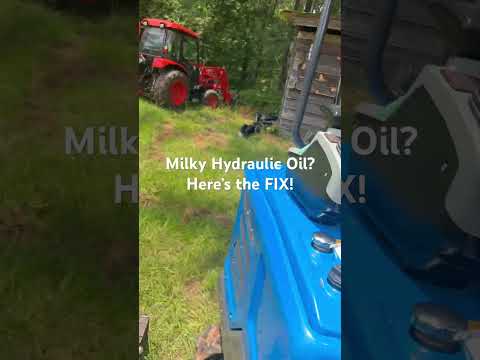
Video: If your mini excavator or other equipment has milky hydraulic oil, this is what you need.