

 By Anna
A commercial mowing rain delay is easier to manage when every postponed job has one clear status, one person responsible for the next check, and a recorded rescheduling decision. A shared job-status log helps grounds contractors coordinate crews, avoid duplicate visits, and explain schedule changes to clients. Use the fields and workflow below as a practical starting point. The log organizes decisions; it does not determine whether wet turf or a particular mower is safe to operate.
What to Include in a Commercial Mowing Rain Delay Log

The most useful log is one that a crew leader can update quickly and an office scheduler can understand without a phone call. A spreadsheet, shared route board, or paper form can work, provided everyone uses the same fields and status definitions.
| Field | What to record | Why it matters |
|---|---|---|
| Job / property ID | Unique stop ID, property name, or service address | Prevents duplicate entries and missed locations |
| Assigned route / crew | Route number and crew lead | Shows who was scheduled before the delay |
| Delay recorded at | Date, time, and name of person reporting the delay | Creates a reliable handoff record |
| Observed reason | Standing water, soft turf, poor access, weather alert, or client restriction | Records facts instead of a vague “rain” label |
| Current status | Hold, Check later, Ready, or Skip / Reschedule | Makes the next scheduling action visible |
| Next check / owner | Named reviewer, planned date and time, and any required approval | Prevents an open hold from being forgotten |
| Client update | Whether the client was notified, by whom, and when | Keeps service communication traceable |
| Outcome | Approved return date, completed work, partial work, or new visit date | Closes the job record and updates the route |
| Notes / evidence | Affected area, relevant site instruction, photo reference, or equipment document | Preserves context for the next crew |
Example entry: Job CM-042 at North Office Park was placed on Hold at 8:30 a.m. because water was visible along the east access area. The crew lead was assigned to review the site at 1:00 p.m.; the office recorded the client notification. If that review did not clear the job, the scheduler would change it to Skip / Reschedule and record a proposed makeup visit. These times are illustrative log entries, not recommended waiting periods.
Four Steps for Rescheduling Rain-Delayed Mowing Jobs

A four-step process is enough for many small and mid-sized commercial mowing teams. Apply it consistently across the office, dispatch, and field crews.
- Record the hold. Identify the property, scheduled crew, time, and observed condition. Do not assume every property on a rainy route has the same ground condition.
- Assign the next check. Select a status, a named owner, and the next review time. The owner may be the crew lead, site manager, or another person authorized under the contract.
- Verify the return decision. Review the property condition, client access rules, relevant weather information, and model-specific operator instructions. A fixed number of hours after rainfall is not a substitute for a site assessment.
- Close or move the job. Record whether the work resumed, was partly completed, or moved to a makeup route. Update the client and the central schedule when required.
When several crews share a service area, the scheduler should check for conflicting assignments before moving a delayed job into an open route slot. Keep the original visit and the makeup visit linked by the same job ID.
Use Four Clear Statuses Across the Crew and Office

Keep status labels short, but make each one point to a specific action. This avoids a common scheduling problem: a job marked “pending” with no person responsible for resolving it.
| Status | Meaning | Required next action |
|---|---|---|
| Hold | The crew has stopped or has not started because a condition needs review | Document the condition and assign a reviewer |
| Check later | Another site-specific assessment is planned | Set the next check time and notify dispatch |
| Ready | The authorized person has cleared the job under applicable site and equipment requirements | Record approval and assign a crew; confirm conditions again on arrival |
| Skip / Reschedule | The job will not be completed in its original service window | Set or propose a makeup date and document client communication |
Important: “Ready” is an administrative scheduling status. It must reflect a documented authorization; the label itself does not establish that the terrain, access, or equipment is safe.
How a Shared Log Prevents Missed Visits and Conflicting Routes

- One record per job: Use a consistent job ID, even if several people add updates during the day.
- One current owner: Give each unresolved delay a person responsible for the next action.
- One shared schedule: Move approved or rescheduled visits to the route board instead of leaving them in individual text threads.
- One end-of-day review: Check all open holds and carry unresolved visits into the next planning cycle.
- One client communication trail: Record when service changes were communicated and whether client approval is required.
Simple client update for a delayed mowing visit
“Today’s mowing visit at [Property] has been paused because [observed condition]. Our team will review the site again on [date/time]. We will confirm the next service window after that review. Please let us know if there are any access restrictions or scheduling requirements we should consider.”
Application review
Discuss your mowing application.
Share the working condition, target market, product family and project scope.
Use contract-specific wording where notice periods or makeup visits have already been agreed. The log should preserve what was actually communicated, not merely indicate that a message was planned.
Keep Mowing Rain Delays Separate From Other Equipment Workflows

This log is designed for mowing services and turf-maintenance visits. Do not copy its rain-delay statuses into snow-removal or general equipment-dispatch plans without reviewing the different work conditions and contract triggers.
- Commercial mowing equipment: Record turf condition, access restrictions, mower class, and the specific crew’s authorization to resume.
- Snow-removal equipment: Keep separate records for weather events, response windows, routes, and applicable contract requirements.
- Tracked carriers and other utility platforms: Record their assigned task and manufacturer limitations separately from a mowing visit.
A tracked mower used on a turf job still belongs in the mowing schedule. However, tracks alone do not prove that a machine can operate on saturated ground without turf damage or loss of control. If you are comparing equipment formats, review the remote lawn mower models and request model-specific information before making site-suitability assumptions.
Return-to-Mow Checklist After Rain
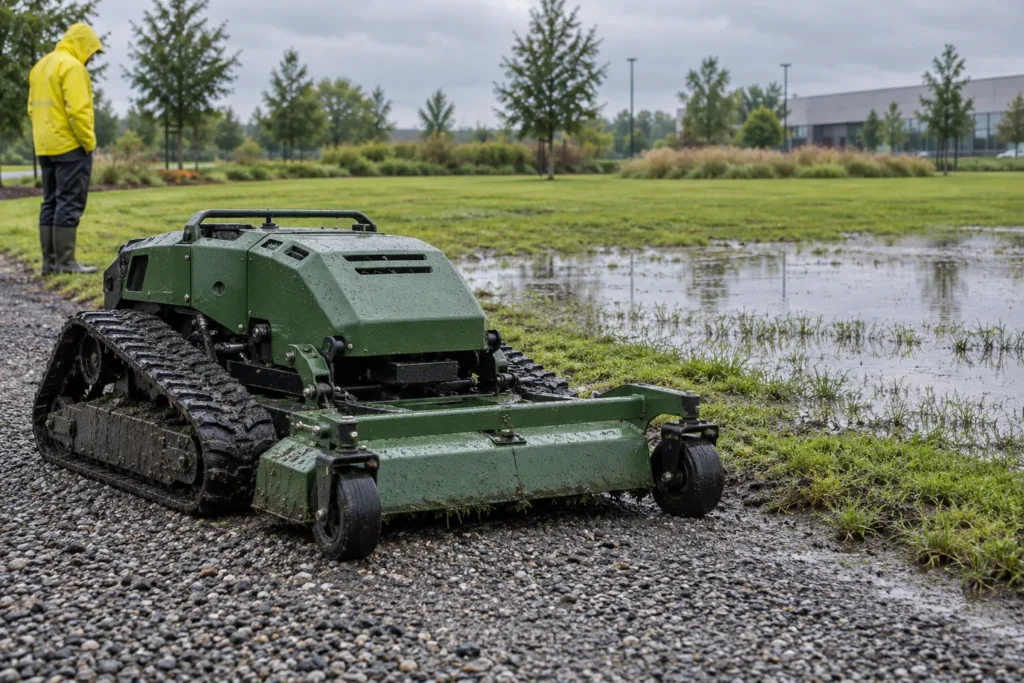
Before moving a job from Hold or Check later to Ready, make sure the responsible person has reviewed the factors relevant to that property:
- The latest weather conditions and any warnings affecting the site.
- Visible standing water, soft turf, low spots, drainage problems, and compromised access routes.
- Client restrictions on when crews may enter the property or use particular areas.
- Applicable manufacturer instructions for the exact mower and its configuration, including reduced-traction or wet-ground limitations.
- The identity of the person approving the return and the time of that decision.
- The crew assignment, service window, and any areas that must remain excluded from the visit.
Assess questionable areas from appropriate access points; do not drive equipment onto uncertain ground merely to test it. The University of Minnesota Extension’s mowing safety guidance recommends delaying mowing when grass is wet and checking the operator’s manual for mower-specific precautions. A scheduling log cannot replace those instructions or a qualified on-site decision.
Questions for Commercial Mowing Buyers and Route Managers

Rain-delay records can also expose service-planning gaps. Before changing your fleet or buying another mower, ask:
- Which properties repeatedly require makeup visits, and what conditions cause those delays?
- Which mower classes, cutting widths, and access dimensions are assigned to those jobs today?
- How many makeup visits can the crews absorb without disrupting regularly scheduled accounts?
- Who has authority to reopen a delayed site, and how is that decision communicated to dispatch?
- What manufacturer documentation is available for each mower’s intended terrain and operating conditions?
- What equipment or route changes would actually address a documented constraint, rather than simply moving a delay elsewhere?
If you need a model comparison for a commercial mowing application, contact the Super Mowers team with your region, site layout, terrain, existing mower types, and typical service requirements. A useful equipment review starts with the job and the manufacturer’s current documentation, not an assumption that one machine can work through every rain delay.
Limits of the Rain-Delay Log and Final Sign-Off
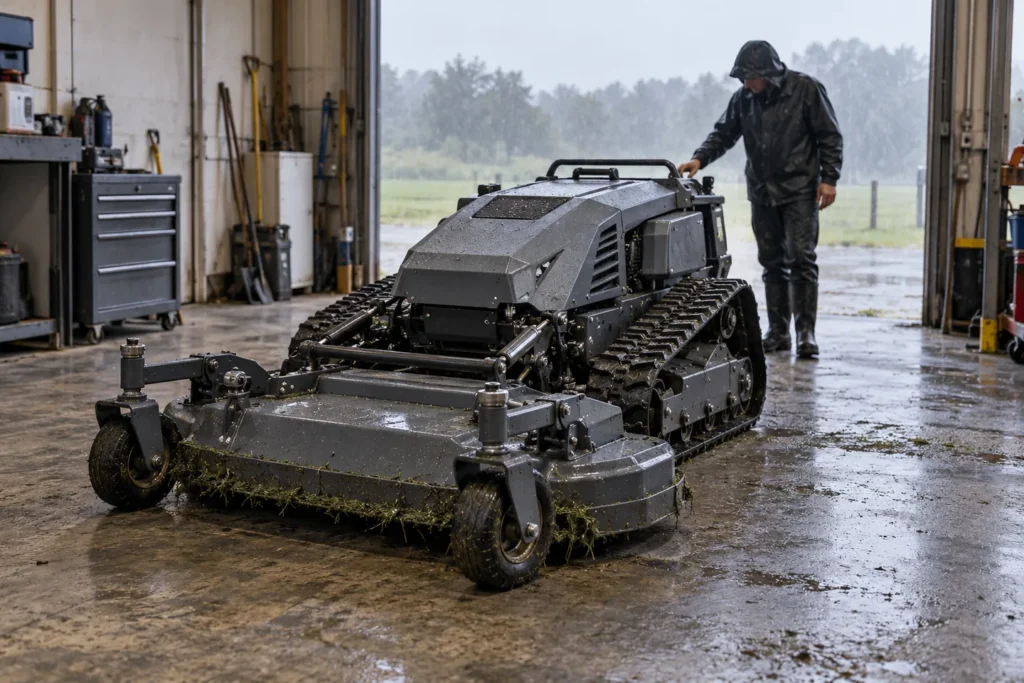
A commercial mowing rain delay log records scheduling decisions; it does not establish a universal waiting time, soil-load threshold, legal notice period, or safe operating procedure. Before adopting the log, align it with the following:
- Contracts: Weather exceptions, makeup-service windows, client communication, and approval requirements.
- Equipment: The current manual and applicable limitations for each assigned mower.
- Site conditions: Drainage, turf condition, access restrictions, and any local weather warnings.
- Accountability: A named decision-maker, recorded sign-off, and final route status.
How long should a commercial mowing crew wait after rain?
There is no single waiting period that fits every property or mower. Ground conditions, site access, equipment instructions, and the responsible person’s assessment determine whether a visit remains on hold or can be considered for rescheduling.
When should a rain-delayed job be marked complete?
Close the record only after the work outcome is known: the mowing was completed, the unfinished portion was recorded, or a new visit was accepted under the applicable service arrangement. Keep the final date, person responsible, and client update in the same job-status log.
Bottom line: A good rain-delay schedule tells the office what happened, tells the crew what to do next, and preserves who approved the final decision. Start with a shared job-status log, then use site-specific and model-specific verification before sending a mower back to work.